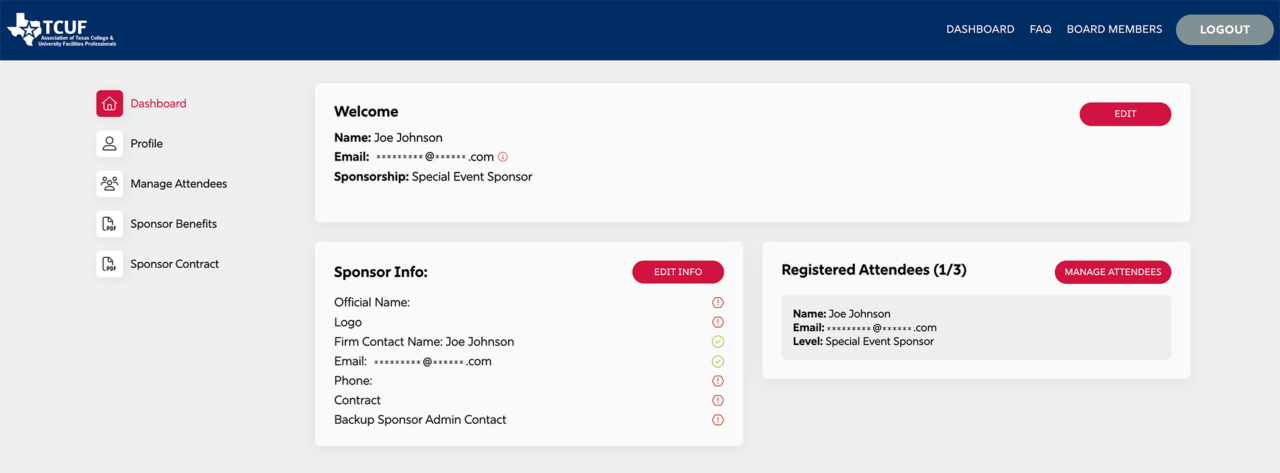
- You will need to be logged in to the current Sponsor Admin account and viewing the Dashboard.
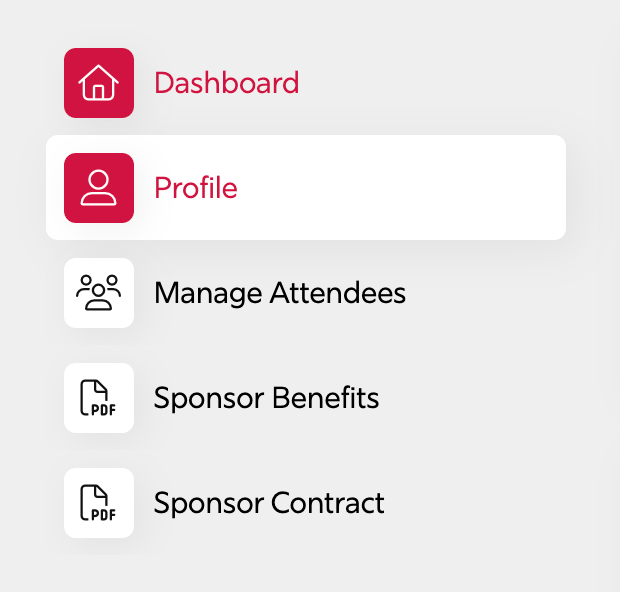
2. Go to the left hand user menu, and click Profile.
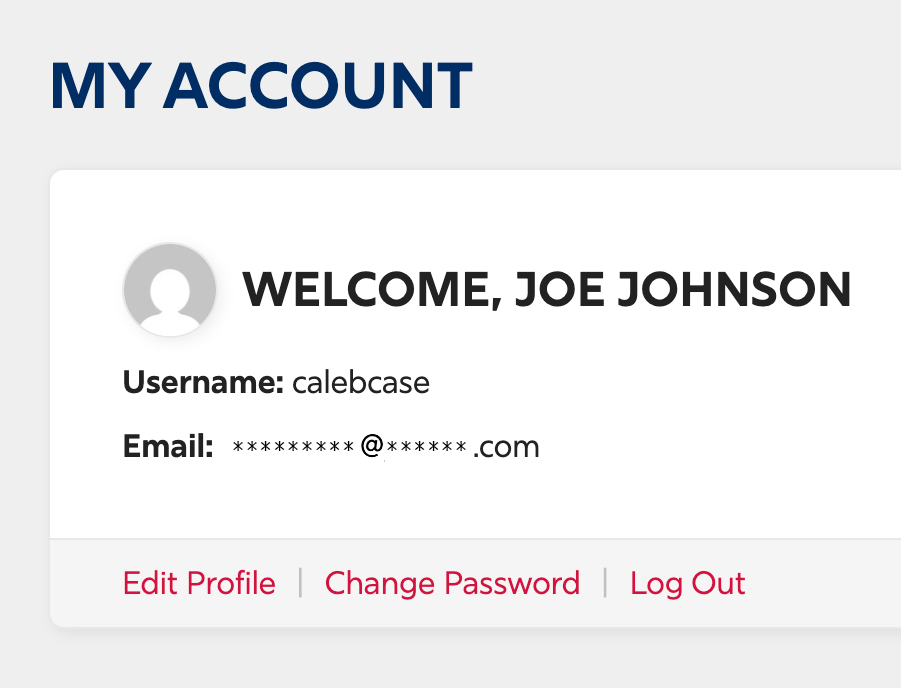
3. Now that you’re on the Profile page, go to the My Account section and click Edit Profile.
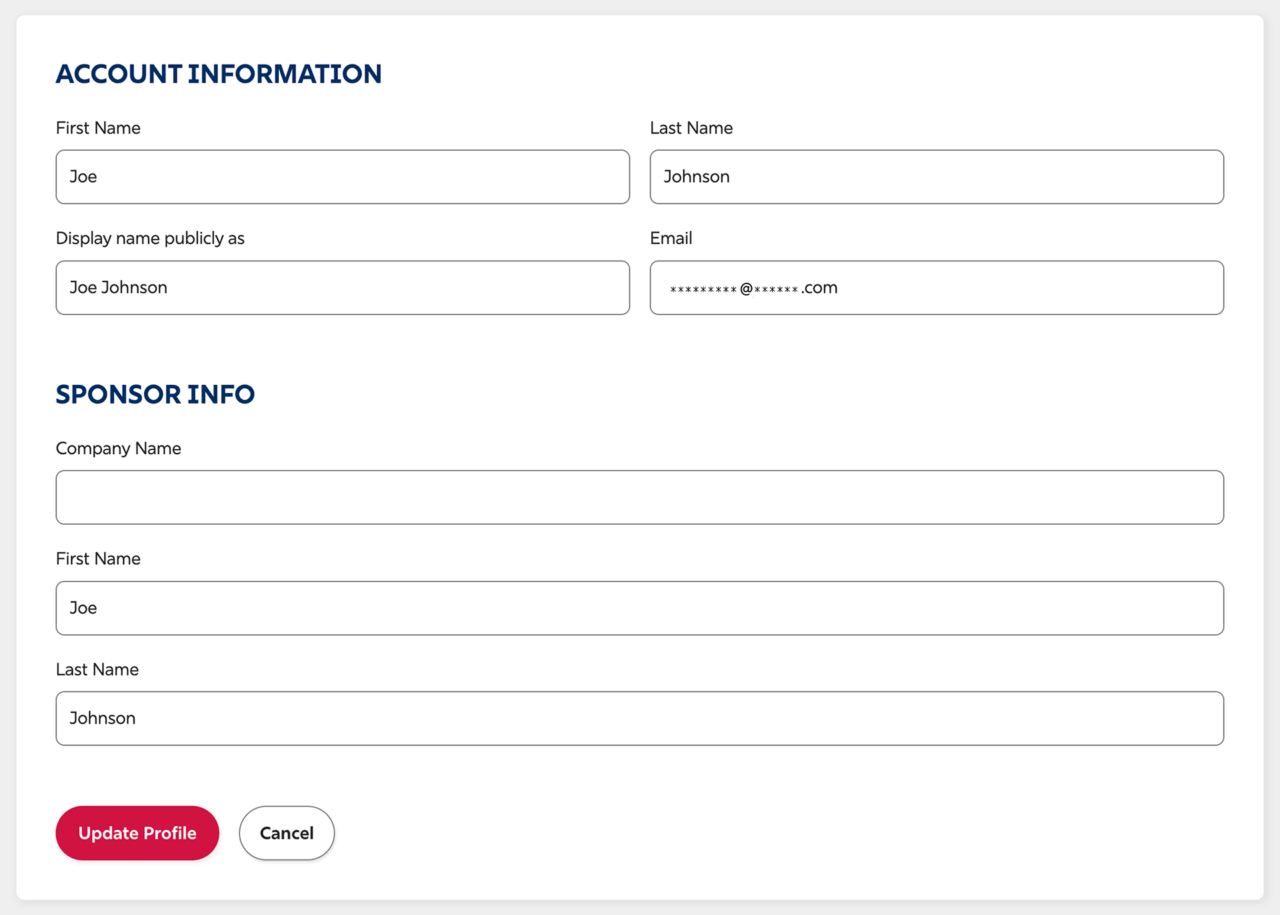
4. Update the fields as needed, and then click Update Profile button at the bottom when done.